
Using the OpenPaaS Console
Console
After logging in, choose to enter the Game Service Platform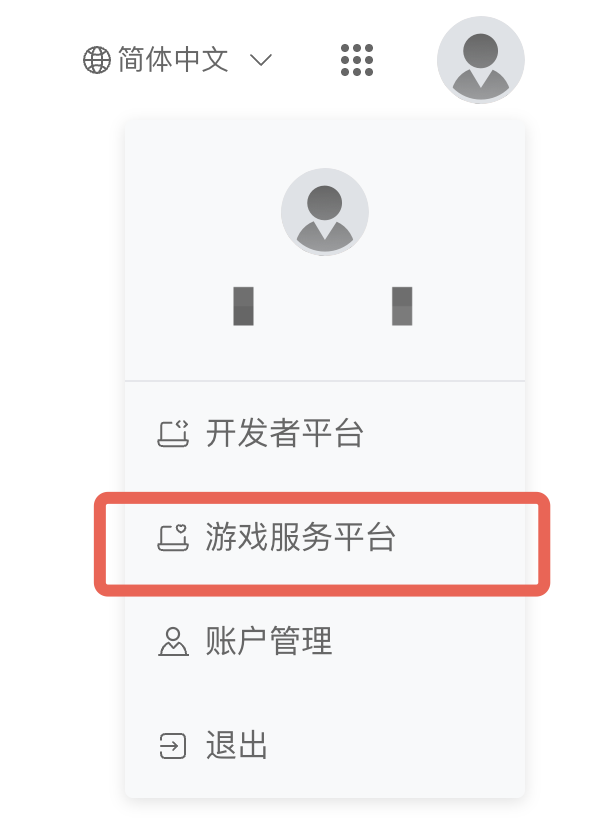
Enterprise Certification
After entering the console, you first need to complete enterprise certification: 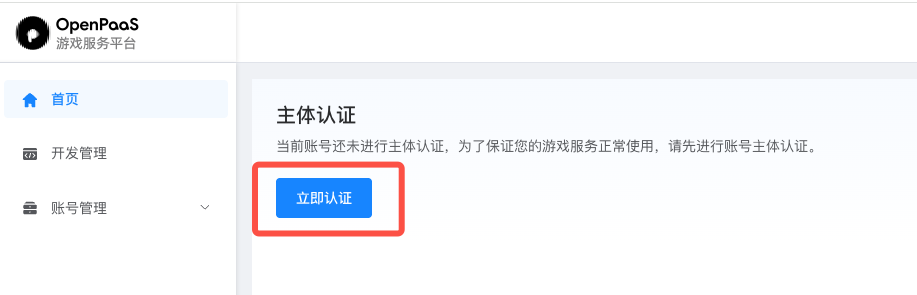 Provide the relevant enterprise information to complete the online certification:
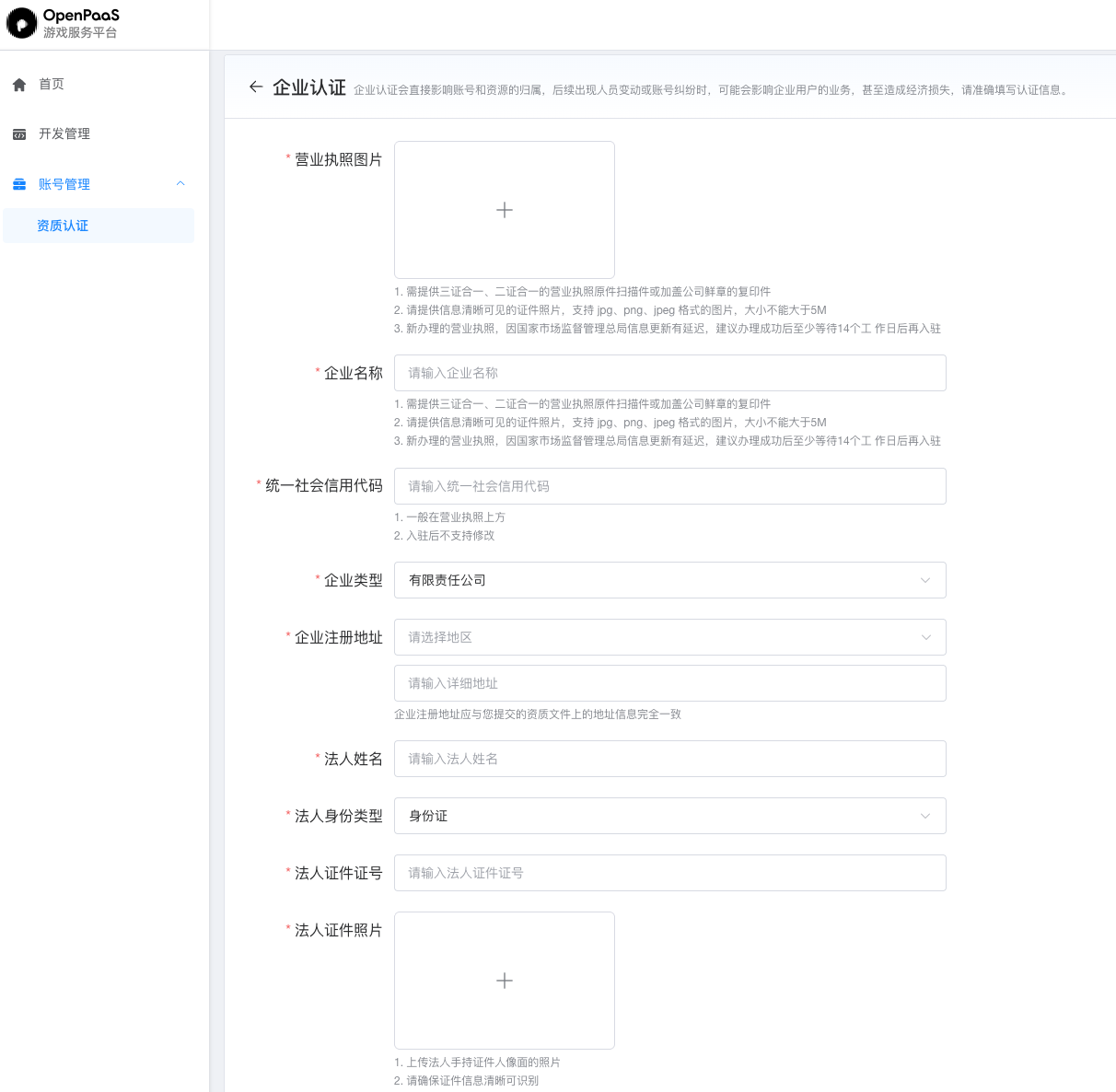
Creating an App
After completing enterprise certification, you can create an app: 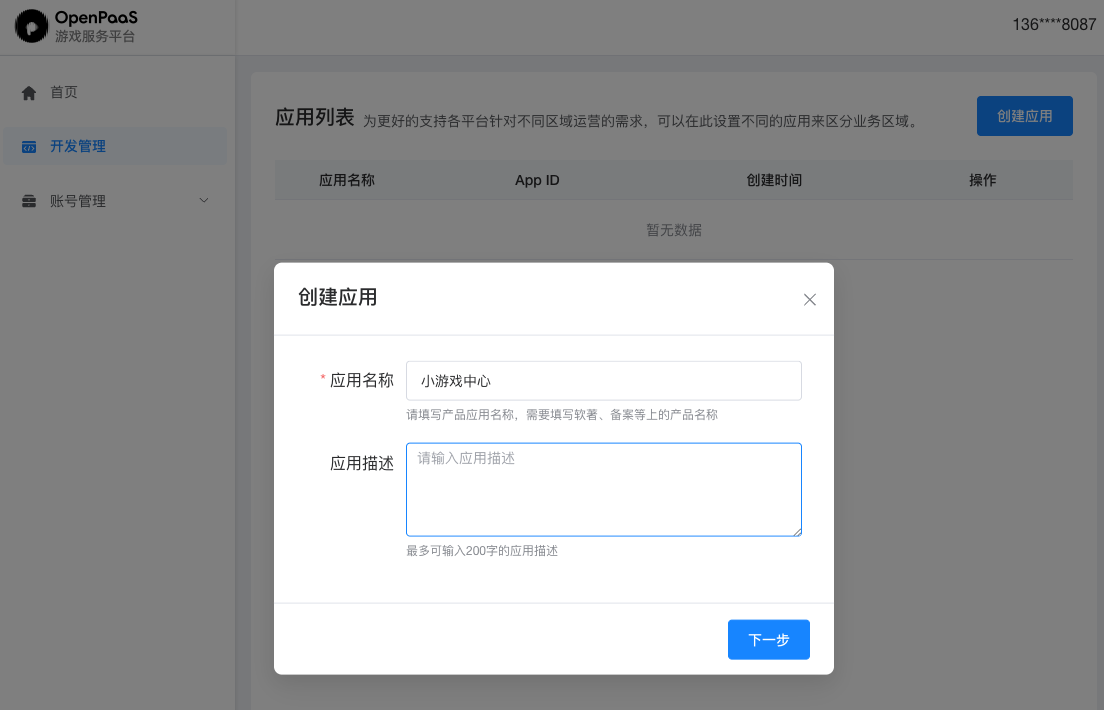 You can create multiple apps, each corresponding to an independent appid and other credentials. You can use different apps to distinguish different environments.
Key Information
After creating an app, you can obtain the various keys required for integration in the app information: 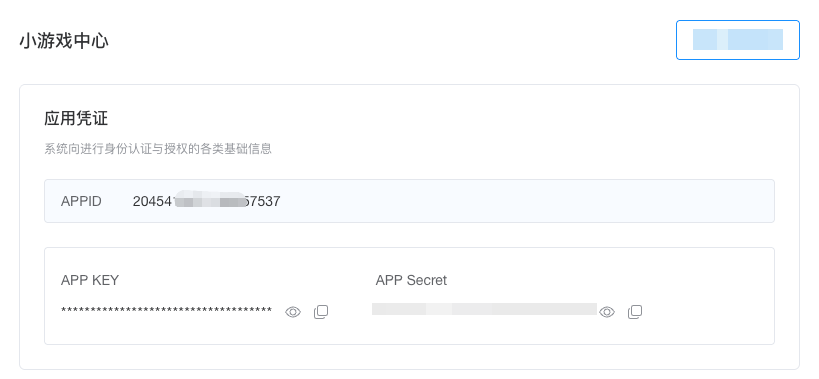
- appid: the unique identifier of the app
- appkey: used when initializing the app client SDK
- appsecret: used by the app server to apply for an access_token
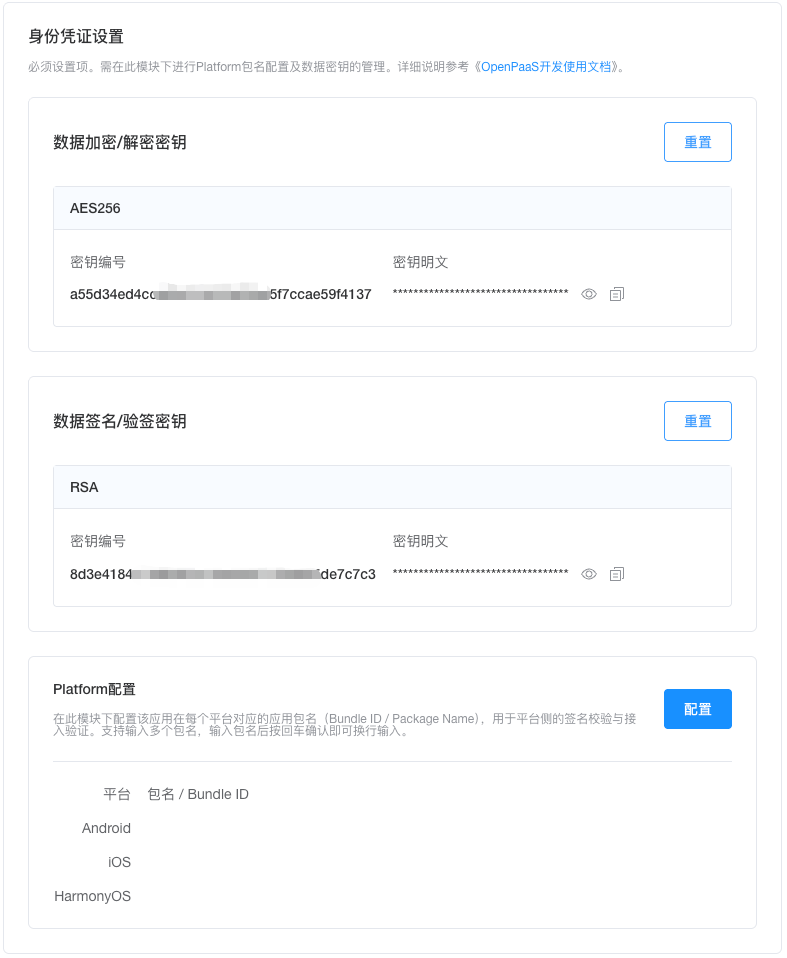
Data Security:
- Data signing key pair (public/private): used by the app side to verify the game
gamesignatureit obtains, to verify payment data signatures, and to verify signatures of business-related data. The app needs to obtain the public key from the OpenPaaS console; if the app does not perform signature verification, it does not need to obtain it. - API symmetric encryption key: encrypts the s2s API interfaces.
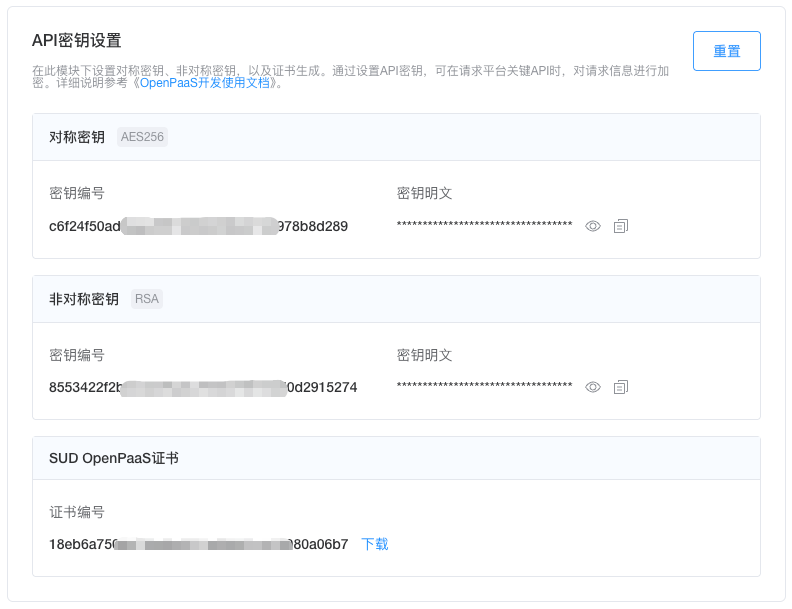
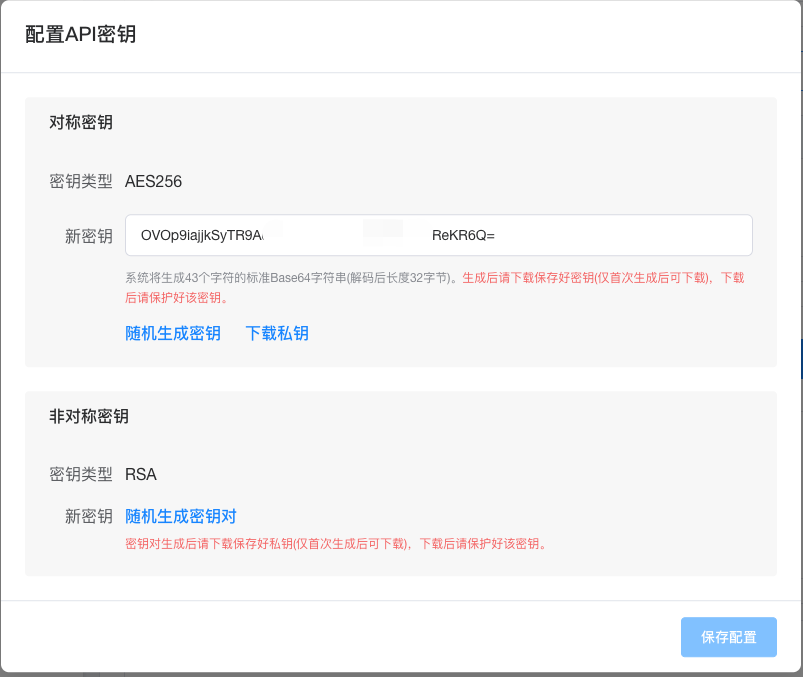
- API key pair (public/private): encrypts the s2s API interfaces. The private key is held by the app side, which uses it to sign. In s2s, the OpenPaaS side uses the public key to verify the signature of the API interface.
- OpenPaaS platform certificate: in s2s, the app side uses it to verify the signatures of API interfaces issued or responded by the OpenPaaS side.
- Data symmetric encryption key: held jointly by the app server and SUD OP SVR, used for symmetric encryption/decryption of sensitive business data. Typical scenarios include encrypting/decrypting the
sessionKeywhen obtaining sensitive user information, and encrypting/decrypting the userSignature in the Auth flow.