
Category Setup
1. Processing Time
Takes effect immediately after setup
2. Operation Process
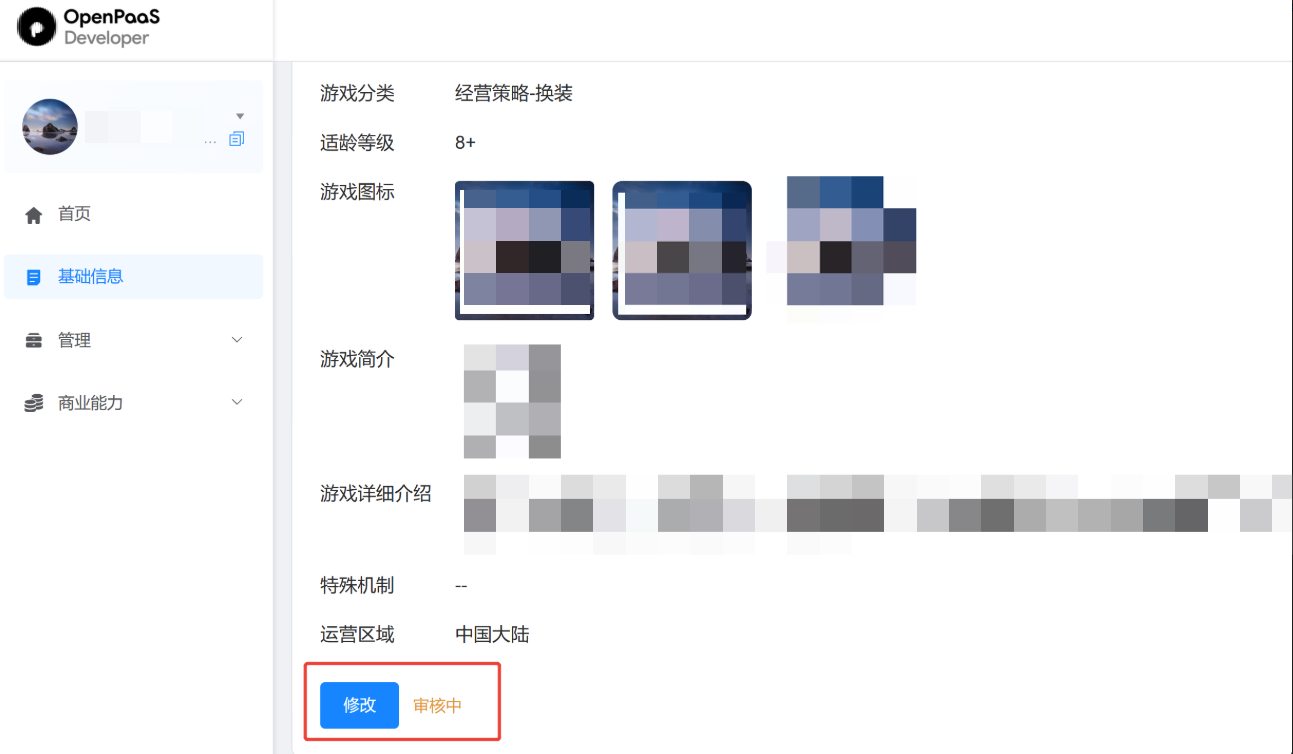
step1: On the home page, click "Edit" on Basic Info
step2: For "Game Category", select a category based on your situation (role-playing, casual, action, etc.)
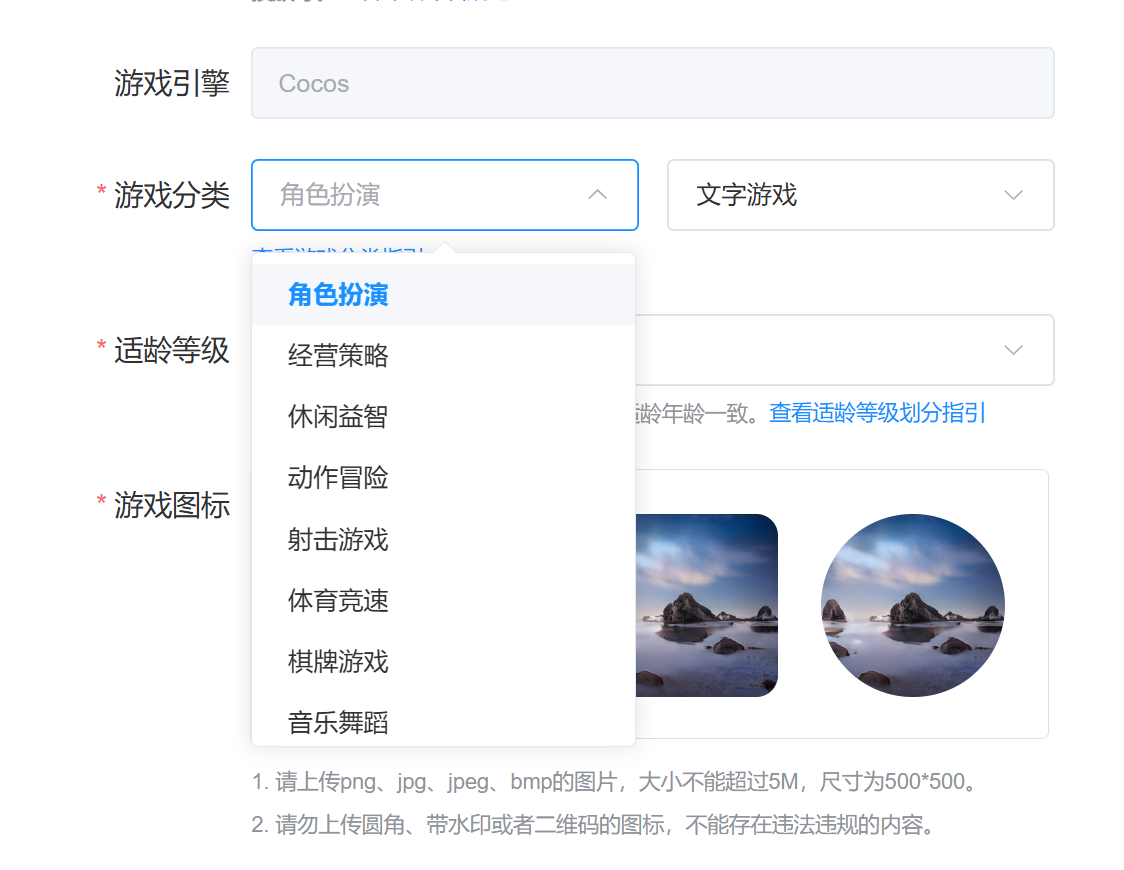
Note: If the secondary game category does not match the actual game content, the version will be rejected during submission for review, so please choose carefully
step4: Setup successful & in effect
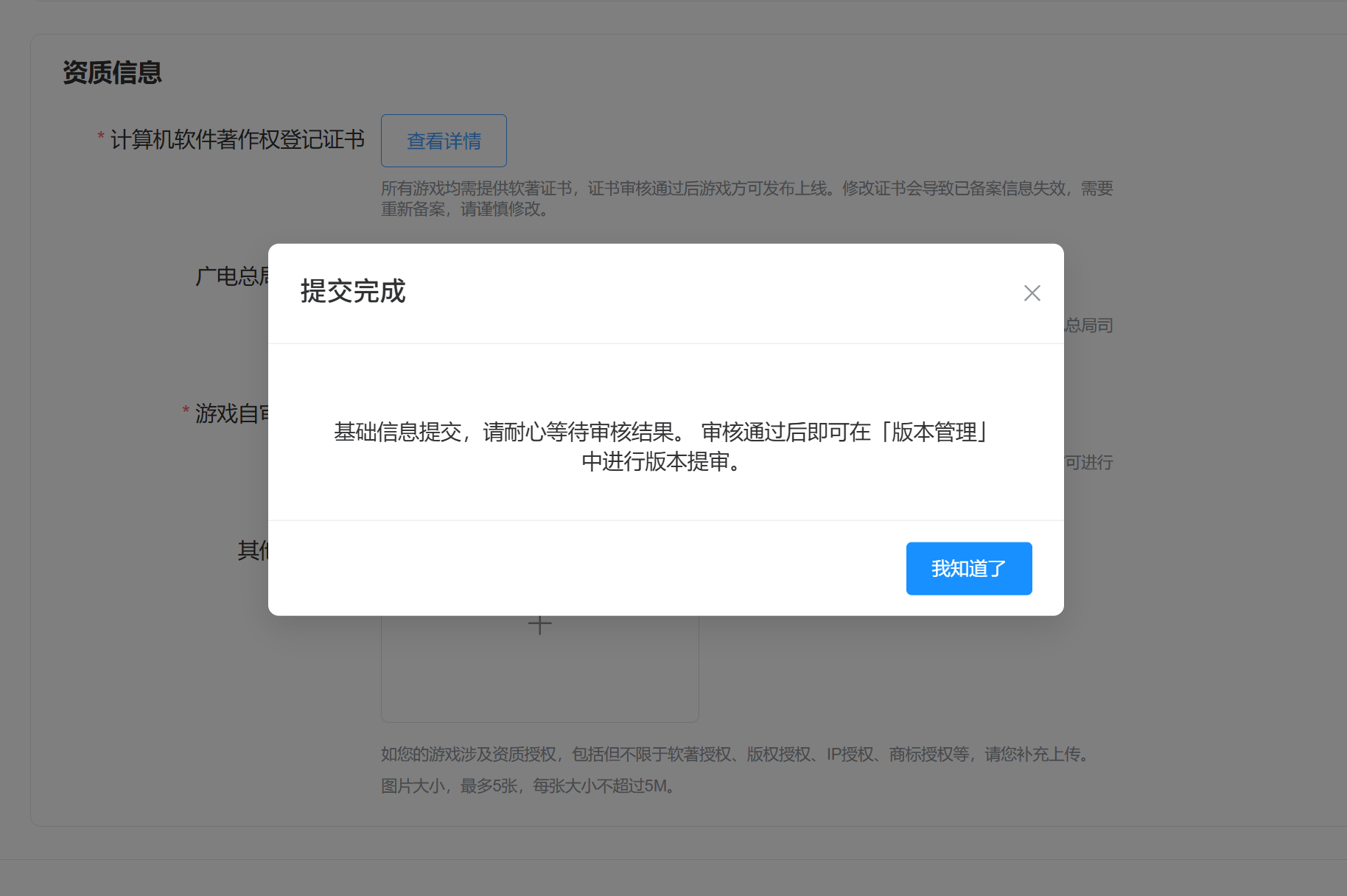
- After submitting Basic Info, please wait patiently for the review result. Once approved, you can submit a version for review in "Version Management". Please wait patiently for the platform to process it; this generally takes 7 business days.