
Name, Abbreviation & Icon Setup
1. Minigame Name and Abbreviation Setup Rules
Minigame Name and Abbreviation Setup Rules
2. Processing Time
a. Normal case: takes effect immediately after setting
b. Hits a name protection word: 1-3 working days
c. Name occupation complaint: 7 working days + 7 calendar days name protection period
3. Operation Process
(1) Regular Process
step1: Click Create Game
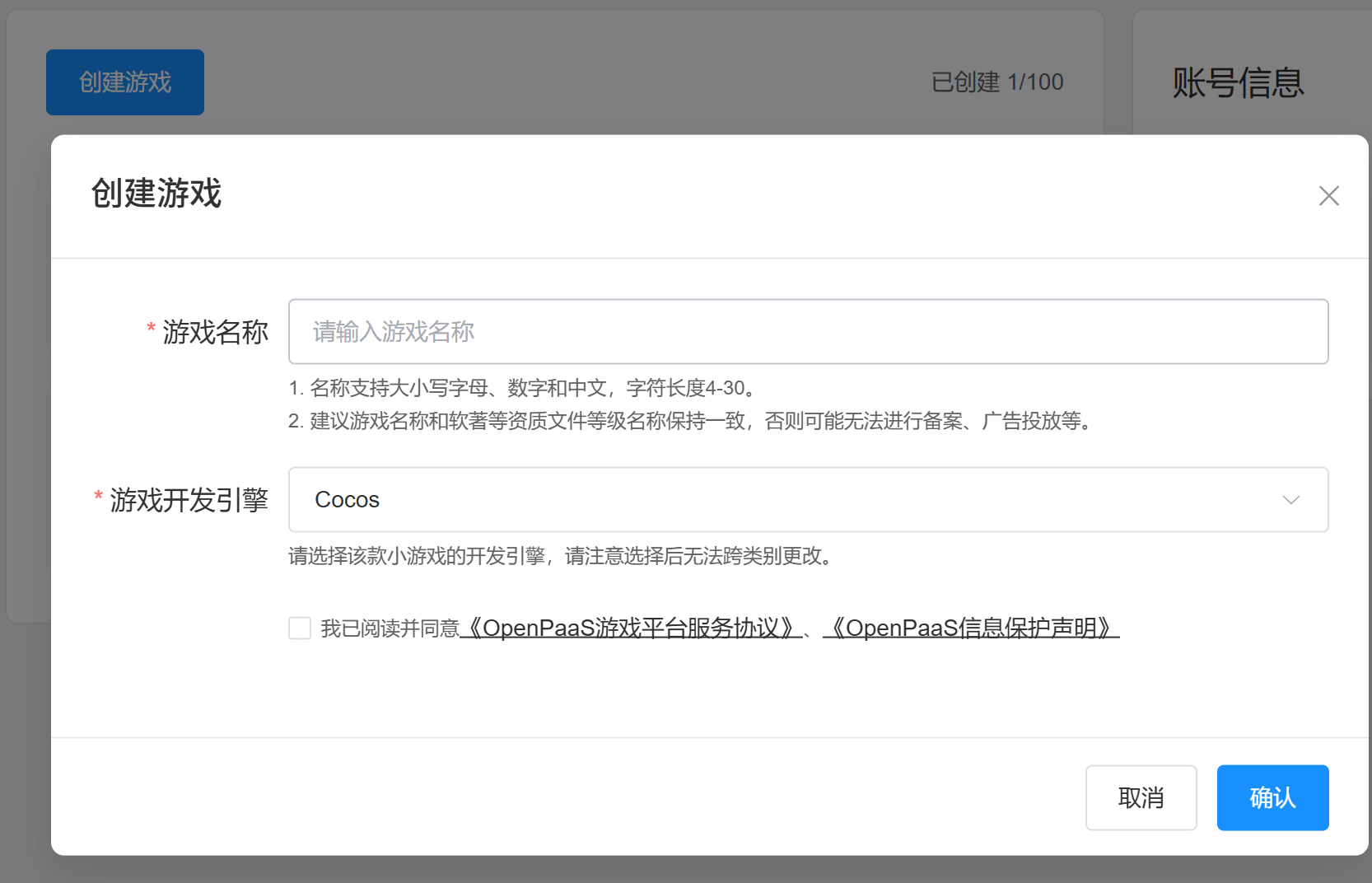
Enter the minigame name and confirm the game development engine 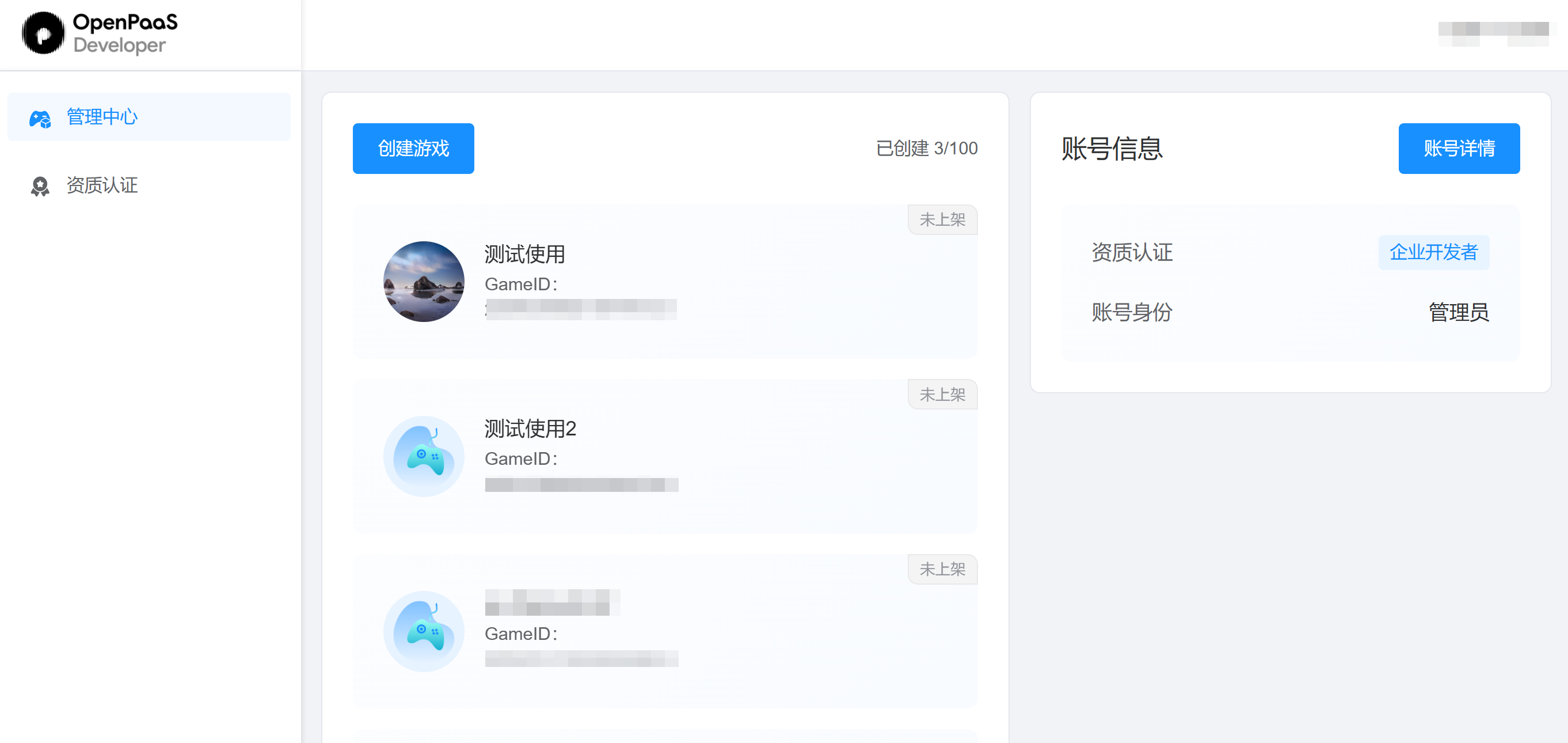
Click the created game to enter the game management interface
step2: Complete the minigame basic information
Fill in the minigame name
Fill in the minigame abbreviation (optional)
Set the minigame avatar
Fill in the minigame introduction

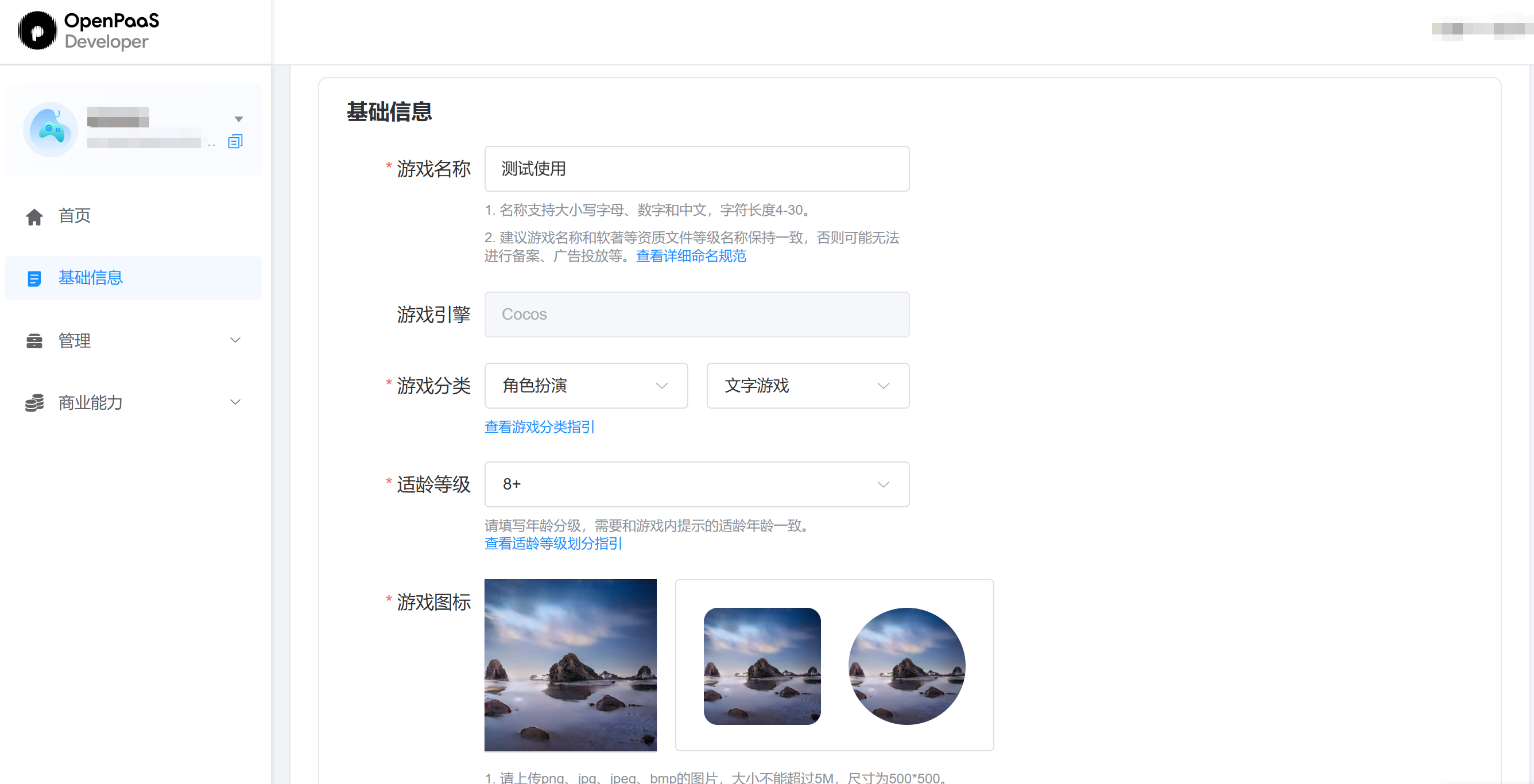
step3: Complete the qualification information
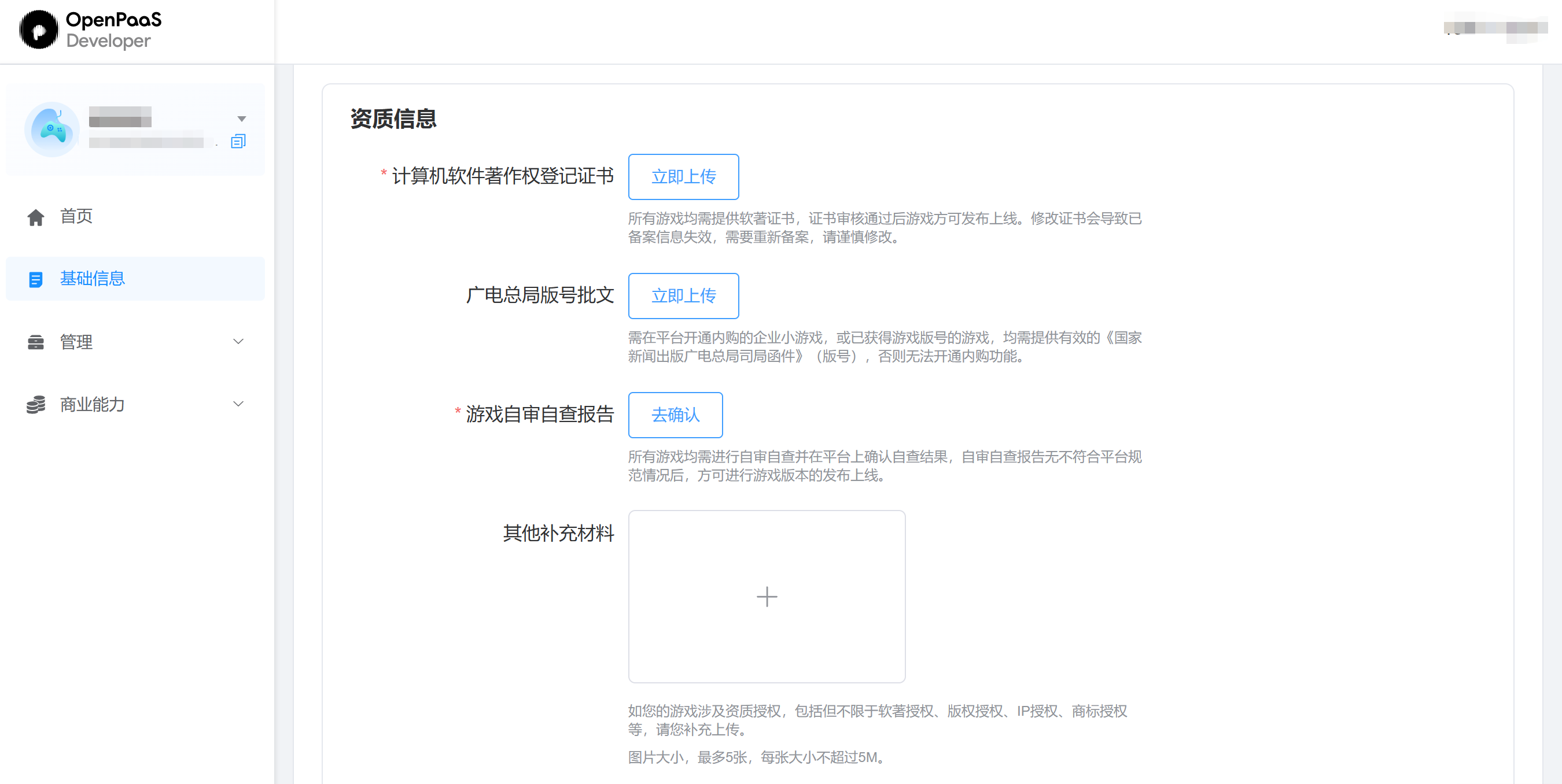
Computer Software Copyright Registration Certificate
NRTA version number approval document
Game self-review and self-inspection report
Other supplementary materials (supplement as prompted by the system)
step4: Review process
- After submitting the basic information, please wait patiently for the review result. Once approved, you can submit a version for review in "Version Management". Please wait patiently for the platform to process it, which usually takes 7 working days.